Stop missing your customers' calls.
Augmented telephony
Your AI assistant picks up, talks and reports back.
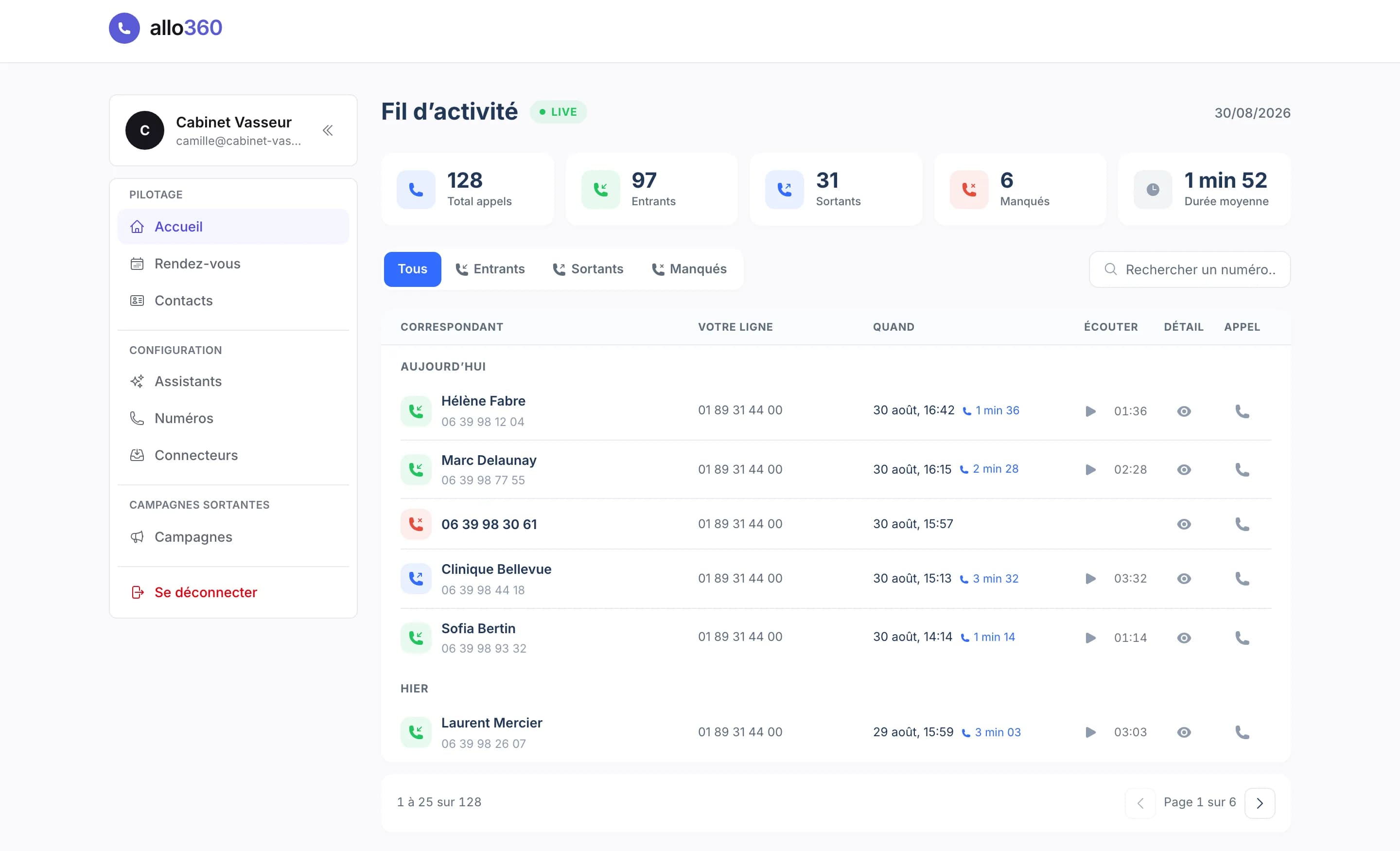
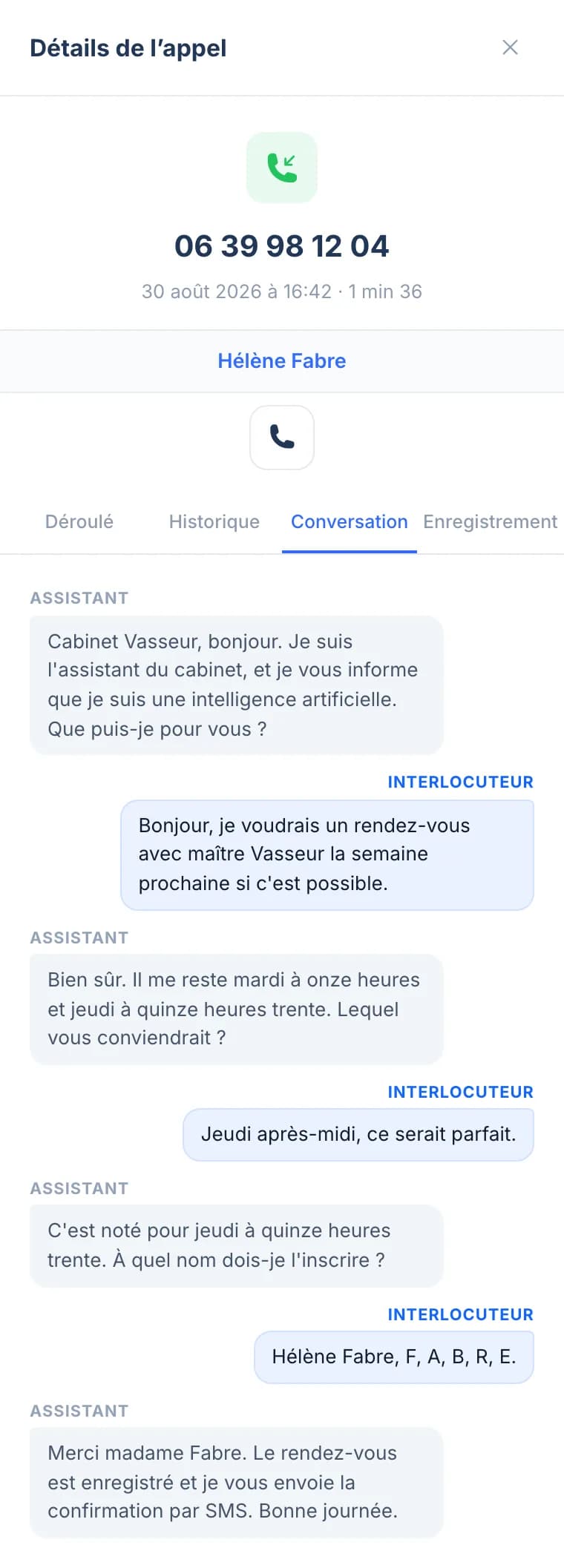
Every call comes back to you summarised, transcribed and ready to play, with the timeline of what the assistant did during it.
They already let Allo360 pick up
Getting started
Your assistant ready in 2 minutes.
Your assistant answers the very next call.
- 01
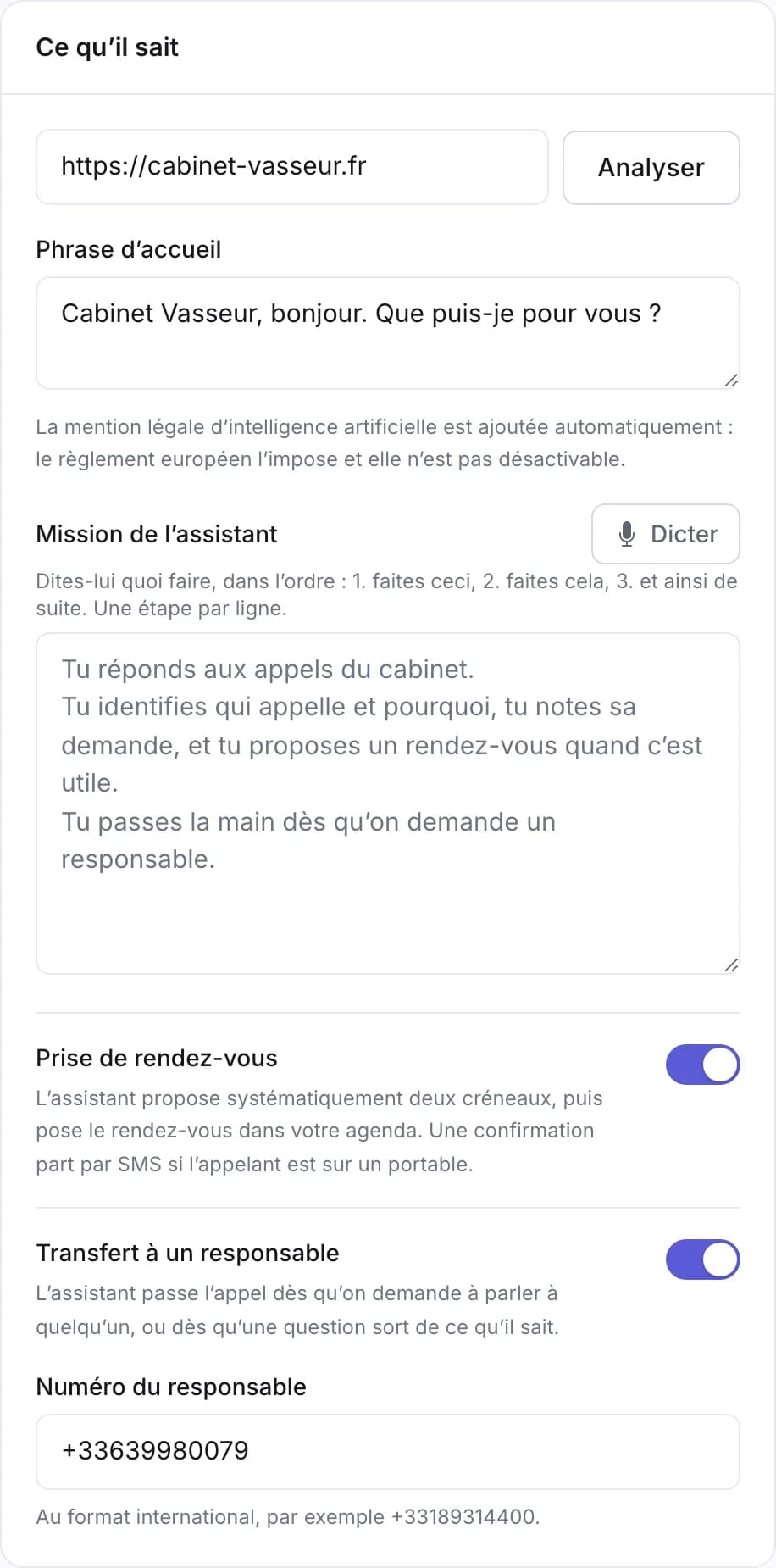
Describe your business
A few lines is enough: what you do, your opening hours, your prices. That is where the assistant draws its answers from.
- 02
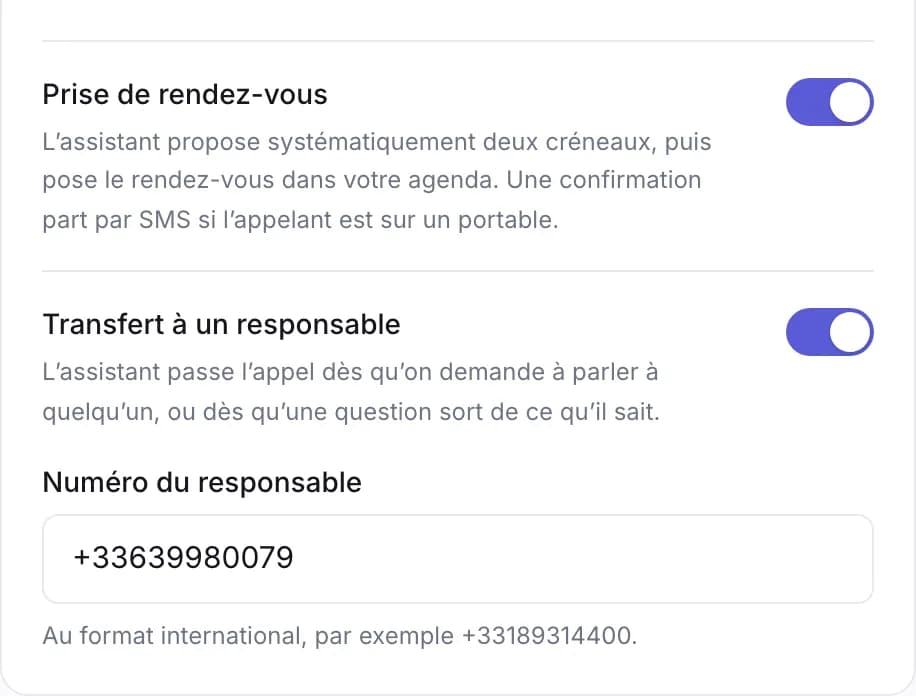
Choose what it may do
Transfer, send an email or a text, put an appointment in your calendar. One switch per capability, and nothing else ever runs.
- 03
Connect your number
Take an Allo360 number or forward your own. From the next call on, it answers.
Call and answer
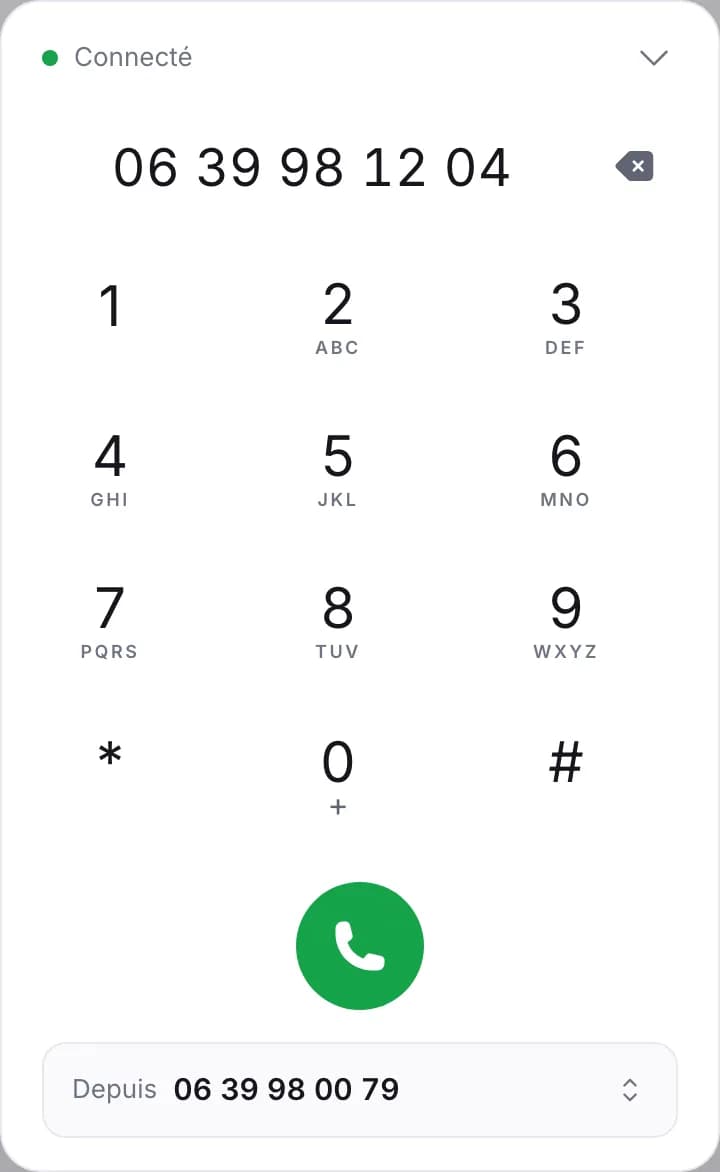
Your line rings in your browser too.
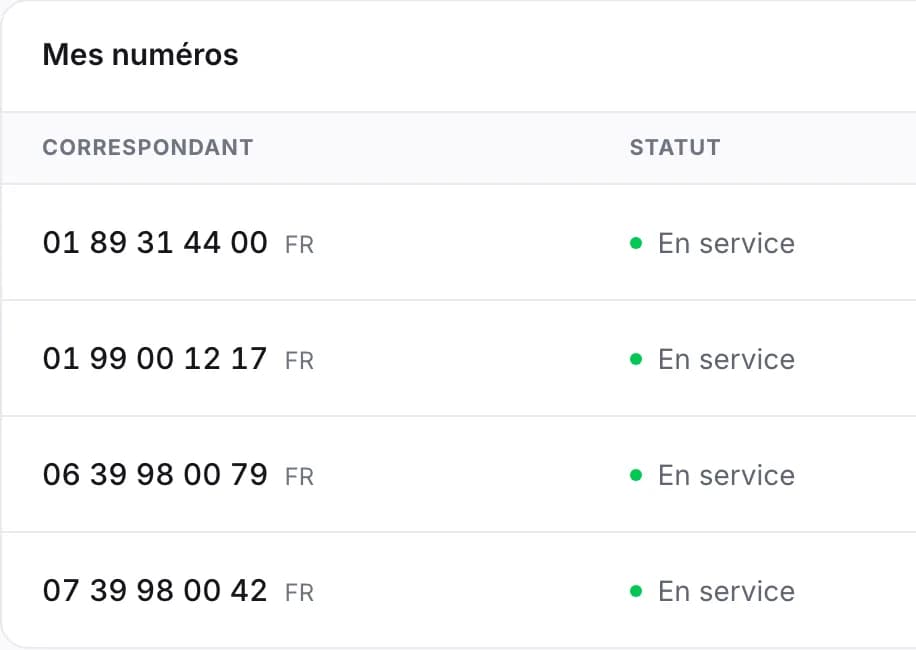
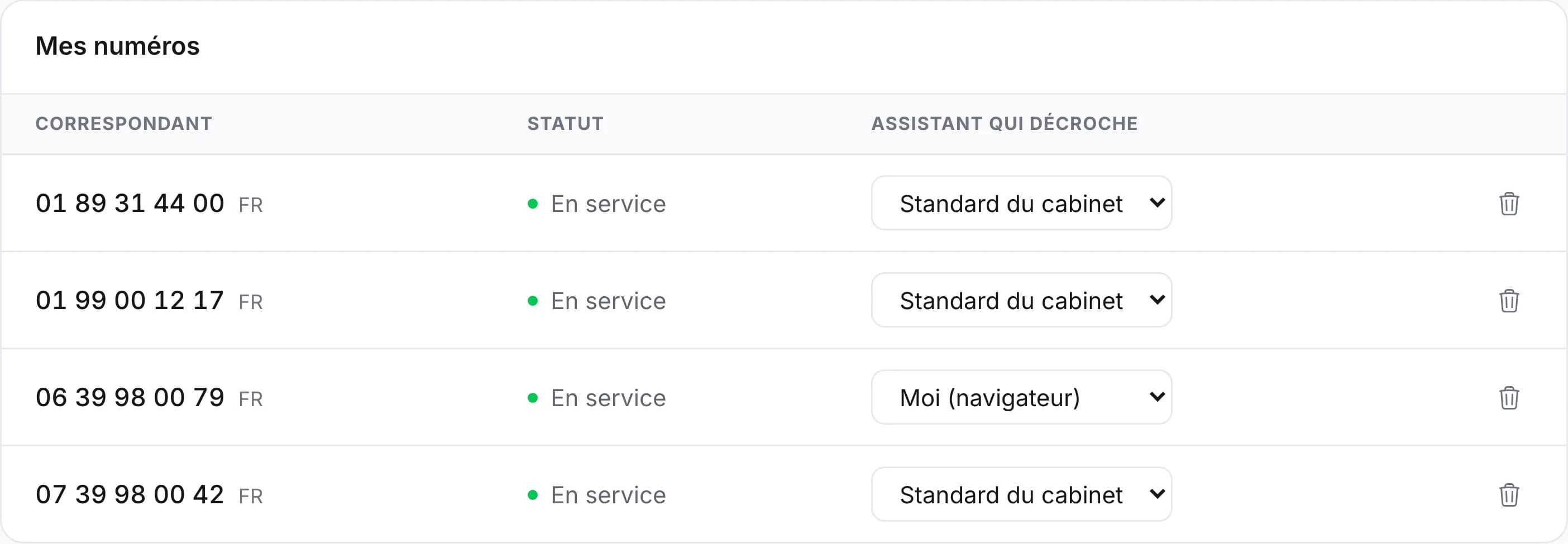
Every number rings at the assistant or at you, in a browser tab, with no desk phone and nothing to install.
Outbound campaigns
It calls your list, and you read the outcome.
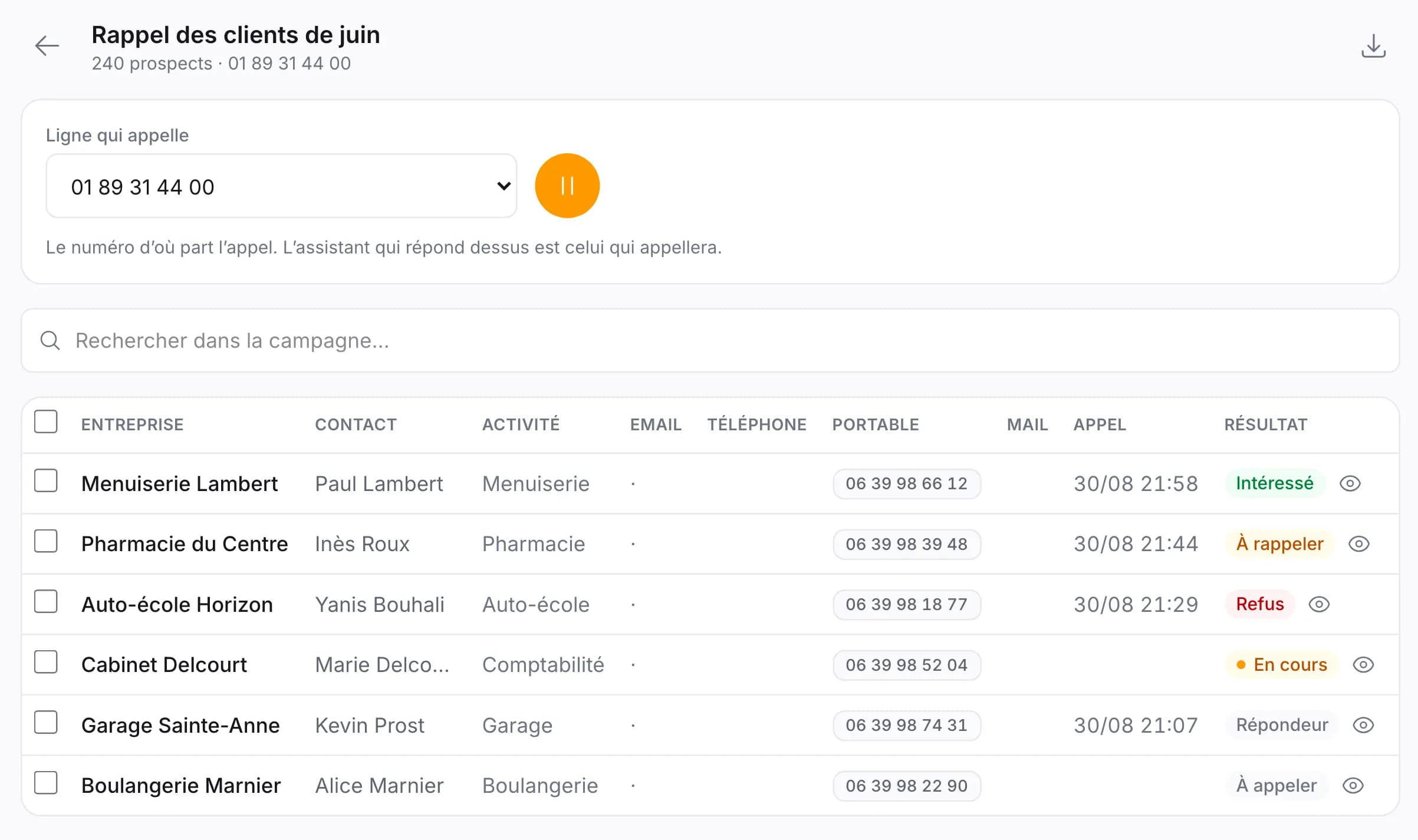
Load your list, pick the line that calls, and it dials one after another, sorting every call: interested, call back, voicemail.
Use cases
What your customers hear at the other end.
One assistant, as many roles as your business calls for.
Front desk
It picks up, introduces itself, notes why the person is calling and passes the message on. Your day stops being cut up every twenty minutes.
Customer service
Opening hours, prices, address, order tracking: the questions that keep coming back get answered without tying anyone up.
Appointment booking
It checks your availability, offers slots and books the appointment into your calendar during the call.
Order taking
It records the order, reads it back for confirmation and emails it to you, ready to prepare.
Overflow and after hours
Evenings, weekends, or when every line is busy: it takes over where voicemail made people hang up.
Summary and transcript
Every call arrives summarised and transcribed, readable and searchable. Nothing gets lost on a notepad any more.
Capabilities
You decide what it can do.
Each capability is a switch. What is off never runs, even if the caller asks for it.
- Answer questions
- It draws on your knowledge base: documents, pricing page, frequently asked questions.
- Transfer calls
- To a colleague, a department or an outside number, based on what it understood of the request.
- Send an email
- Summary, quote, confirmation: to you, to the caller, or to both.
- Send text messages
- Appointment confirmation, payment link, address : received before the caller has even hung up.
- Book appointments
- It reads your real availability and writes into your calendar, with no double booking.
- Recognise your contacts
- A customer you already know is greeted by name, with their history at hand.
- Webhooks and API
- Every call can fire an HTTP request to your own tools, carrying the extracted data.
- Integrations
- Calendar, CRM, team chat: it writes where your team already works.
Integrations
It plugs into your internal systems.
Our AI phone assistant integrates with your CRMs, your calendars and your contact databases, through native connections or API interfaces, to capture and retrieve the right data.
- Google Calendar
- Outlook
- HubSpot
- Salesforce
- Slack
- Notion
- Zapier
- Make
A tool that is not on this list? Outbound webhooks cover the rest.
Testimonials
What the people who plugged it in say.
We were losing one call in three over lunch. Today, none. The summary arrives before I have even had time to call back.
I am not an IT person. I described my business in ten lines, picked a voice, and it was live within minutes.
Our German and Spanish customers are greeted in their own language without us hiring anyone. That is what decided us.
Evenings and weekends, it takes the calls the answering machine used to lose. We now get enquiries we never even saw.
Pricing
Find the plan that fits what you need.
No commitment, cancel at any time.
Pro
For a line that must never ring out.
€29.90excl. VAT / month
Choose this plan- One phone number included
- Unlimited assistants, 100+ voices, 7 languages and 10 accents
- Calendar, and meetings booked during the call
- Hands over to a human
- Take and place calls from the browser
- 5 h of calls included
- €0.10 excl. VAT per minute beyond
- Extra number: €5 excl. VAT per month
Business
Most chosenFor a business where the phone is the first channel.
€59.90excl. VAT / month
Choose this plan- One phone number included
- Unlimited assistants, 100+ voices, 7 languages and 10 accents
- Calendar, and meetings booked during the call
- Hands over to a human
- Take and place calls from the browser
- 10 h of calls included
- €0.08 excl. VAT per minute beyond
- Extra number: €5 excl. VAT per month
- Outbound campaigns, by phone and by email
- Connectors: mailbox, CRM, calendar
Frequently asked
What people ask us before signing up.
Where is my call data hosted?
In Europe. Recordings, transcripts and summaries stay on servers located in the European Union. You choose how long they are kept, and you can erase everything with one button.
How long does setup take?
Two minutes for an assistant that answers everyday questions properly. Allow a quarter of an hour if you want to connect your calendar and your CRM, and fine-tune its tone.
What happens when it does not know the answer?
It says so, then does what you told it to do in that case: transfer to a colleague, take a message, offer a call-back. It does not invent an answer, that is the single most important behaviour to get right, and it is right by default.
Can I keep my current number?
Yes, in two ways. Either you port it to us, free of charge, in one to three weeks depending on your operator. Or you leave it where it is and forward it to your Allo360 number, that is immediate and reversible.
Which languages does it speak?
French, English, Spanish, German and Italian. A single assistant can switch language mid-call if it hears that the person speaks another one.
Take back control of your phone system.
Two minutes to put it live, and your assistant works for you from the very next call.